Bring your show along.
Get a feel for cloud streaming, then prepare your overlays and flows in Bloopbot.

Step 1 of 3
What’s coming with you?
Your device sends the camera feed. Bloopbot adds your overlays and runs your flows in the cloud.
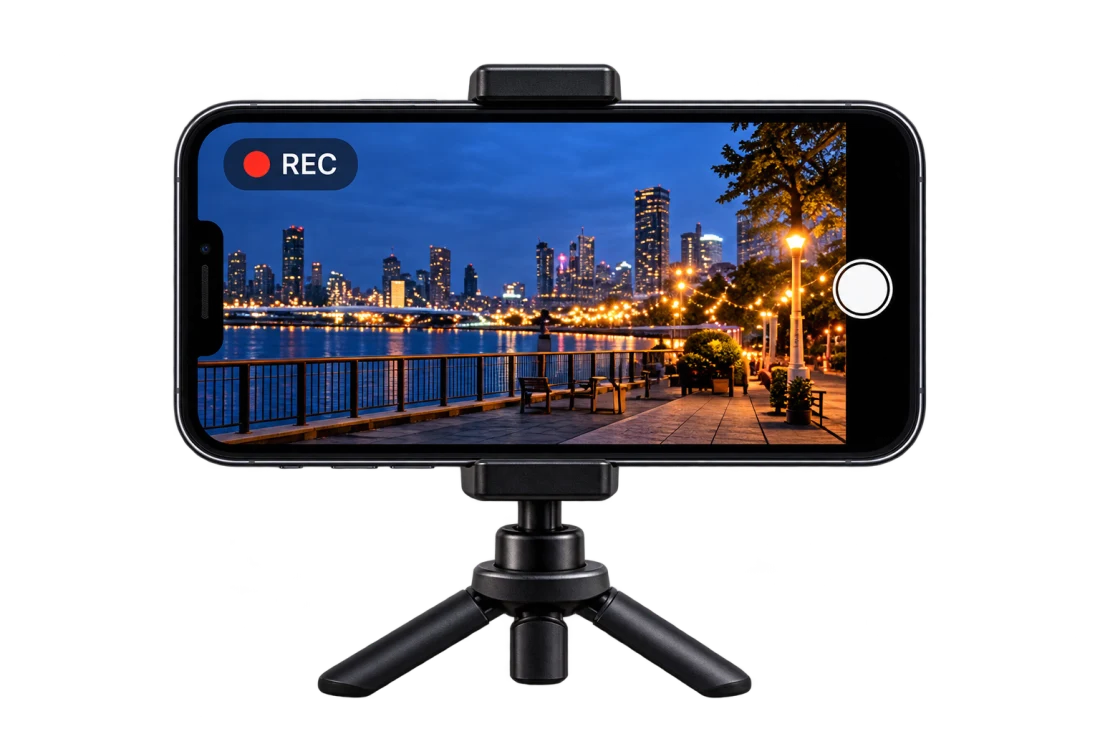
Your private phone connection will come from Phone setup in Bloopbot, once cloud-stream access is enabled.
Step 2 of 3
The camera is only the beginning.
A follow becomes an alert. Chat gets an answer. Your flow keeps everything connected.
This is example footage with locally simulated events. It does not connect a camera or go live.
Interactive example
Choose a trigger. See your Bloopbot flow run on stream.
A new face. A proper welcome.
Someone follows. Your Bloopbot flow sends their name to your overlay, right on the broadcast.
Ready when you are. This example runs locally.

 Low signalYour fallback scene takes over.
Step 3 of 3
Make it yours in Bloopbot.
Your Bloopbot account is where your overlays and flows live. They’re what Bloopstream will bring onto your camera feed.
Start with your show.
Sign in with Twitch, then create your overlay and add the flows you want. Pebble can help with your first setup.
Sign in with TwitchAlready use Bloopbot? Open your dashboardCloud streaming is being built.
It isn’t open for purchase yet. Prices and included hours will be announced when it’s ready.
When your channel has access, open Run → Cloud stream in Bloopbot. Phone setup gives you the private connection for your phone.
Connecting your camera and going live happen in your channel, with your own settings and permissions.